
How it works
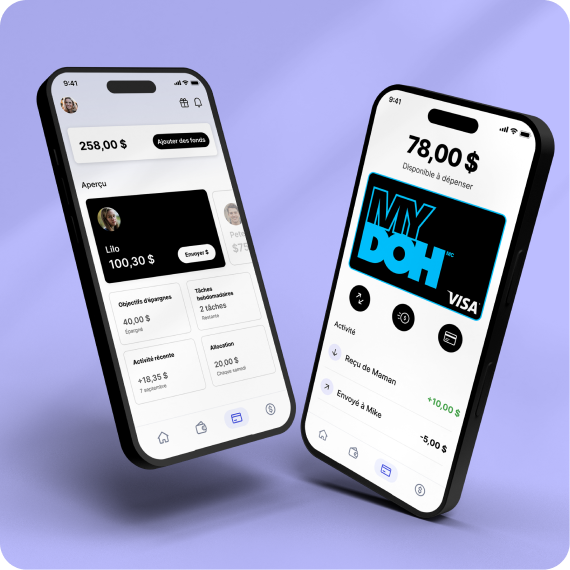
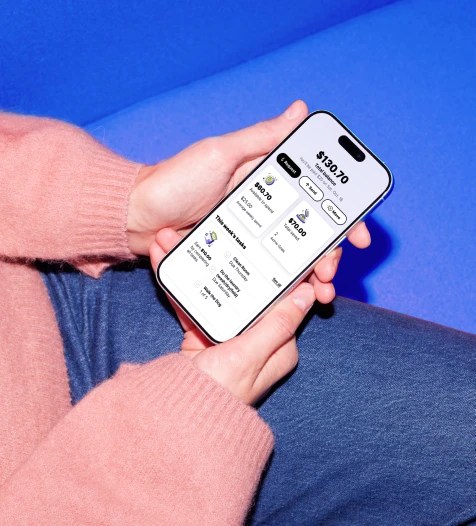
Kids and teens learn money basics by earning their own money with Mydoh Tasks and Allowance and spending it wisely using their Smart Cash Card. And it all starts from the Parent Account.

How parents can use Mydoh
- Send your kids money instantly2 or reward them with a Savings Goals top up
- Set up tasks and allowance
- Lock kids’ cards instantly to protect their money
- Share your kids’ payment link so they can receive money from gifts
- Get real-time spending notifications

How your kids practice money skills
- Tracking their own earnings and spending
- Earning by managing and completing tasks
- Sharing their payment link to get paid for side gigs or by friends
- Budgeting by splitting money between spending and savings goals
- Spending in-store and online with their card (up to the allowable limit)
Tasks and allowance
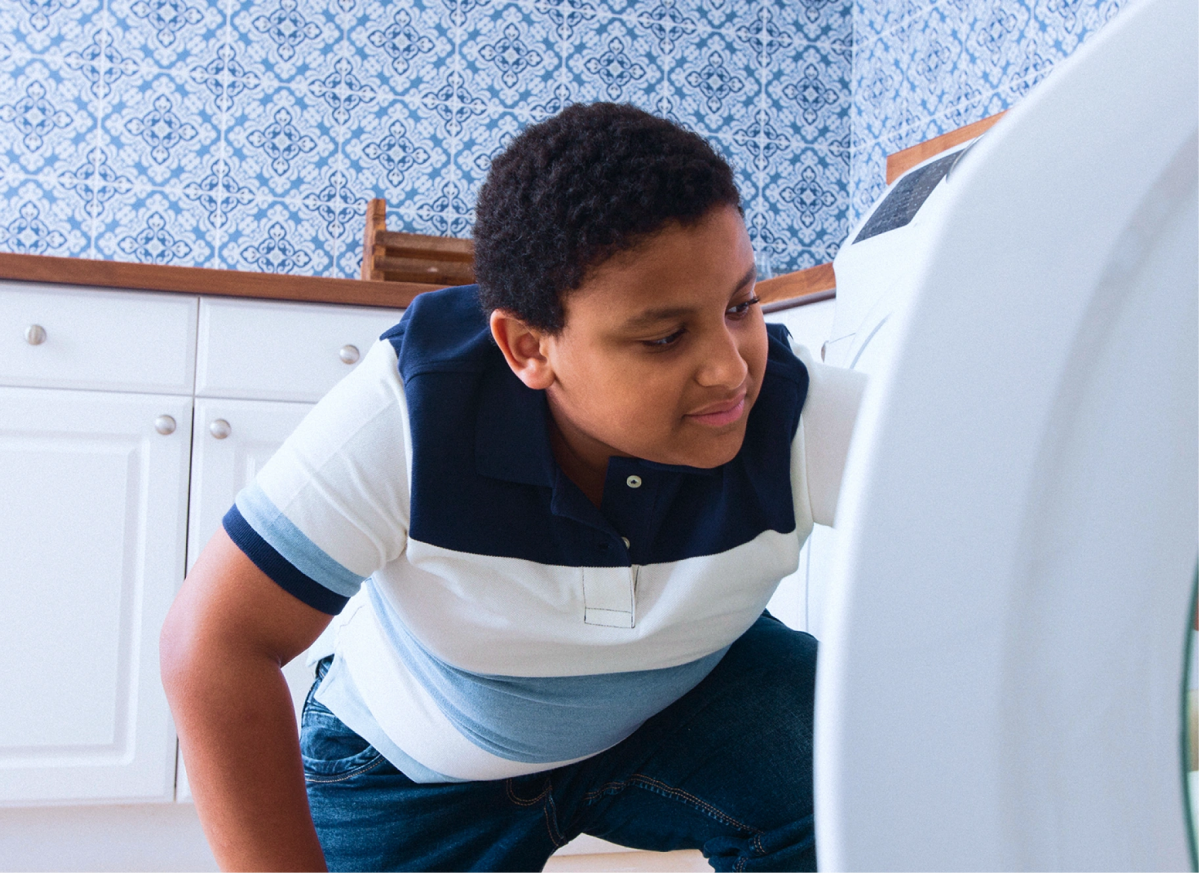
Empowering kids and teens to earn their own money is the first step in building their financial confidence. With Mydoh Tasks, you can assign chores and set up an allowance that’s linked to those chores (or is separate from them — your call). Once they’re done, kids get paid on Pay Day, which happens every Saturday.
They learn the value of earning their own money and you get a dishwasher that seems to load and unload itself. 😉

The Smart Cash Card
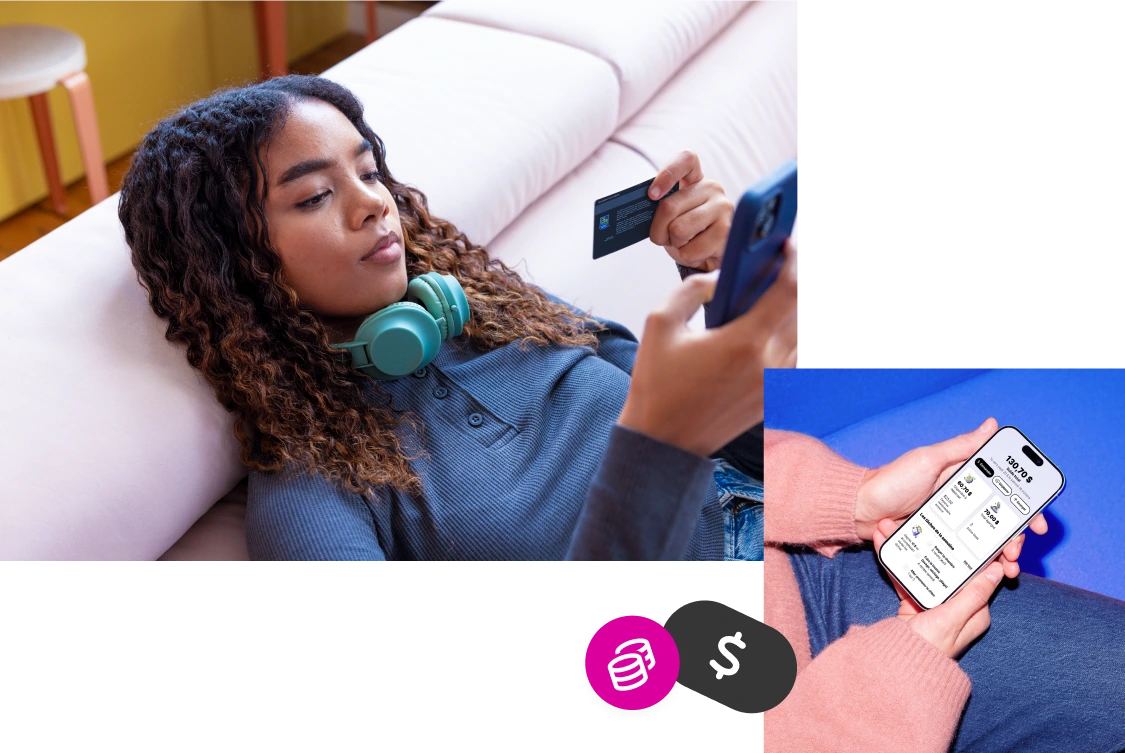
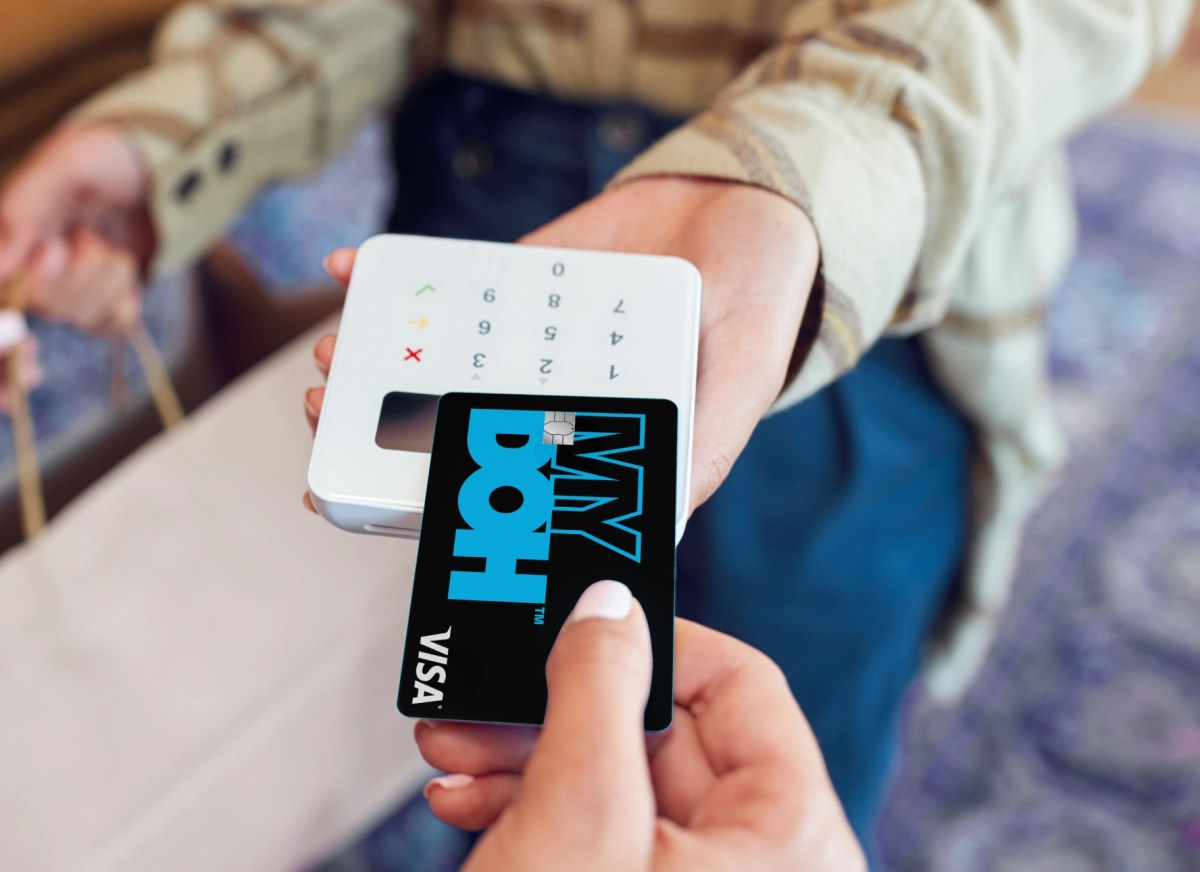
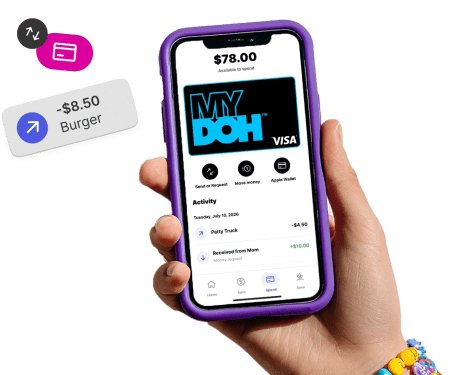
The Mydoh app comes with a physical Smart Cash Card and the ability for teens to use Apple Pay. With their card, kids and teens can make purchases anywhere that accepts Visa. And thanks to real-time notifications, you get a clear view of all their activity and can give them guidance if needed.
Making real-world spending decisions helps your kids learn the value of money and gives them a taste of independence.
Saving with Mydoh
With our Savings Goals and General Savings features, kids and teens get to practice — you guessed it — saving! By setting their own money aside, they get to practice being more intentional with their spending.
Kids can name their Savings Goals and set a target amount and date for it to be achieved, or simply use the General Savings feature.
No monthly fee, no surprises
No monthly fee means extra pocket change to help your kids earn, spend, save, and budget.
Secured by RBC
Mydoh is built with the safety, security and trust of RBC — and backed by Visa.


